
Step 2: Managing Established Sites
FieldX allows you to maintain a list of established sites that don’t require approval for students to begin logging hours. These sites can be managed in the Sites tab.

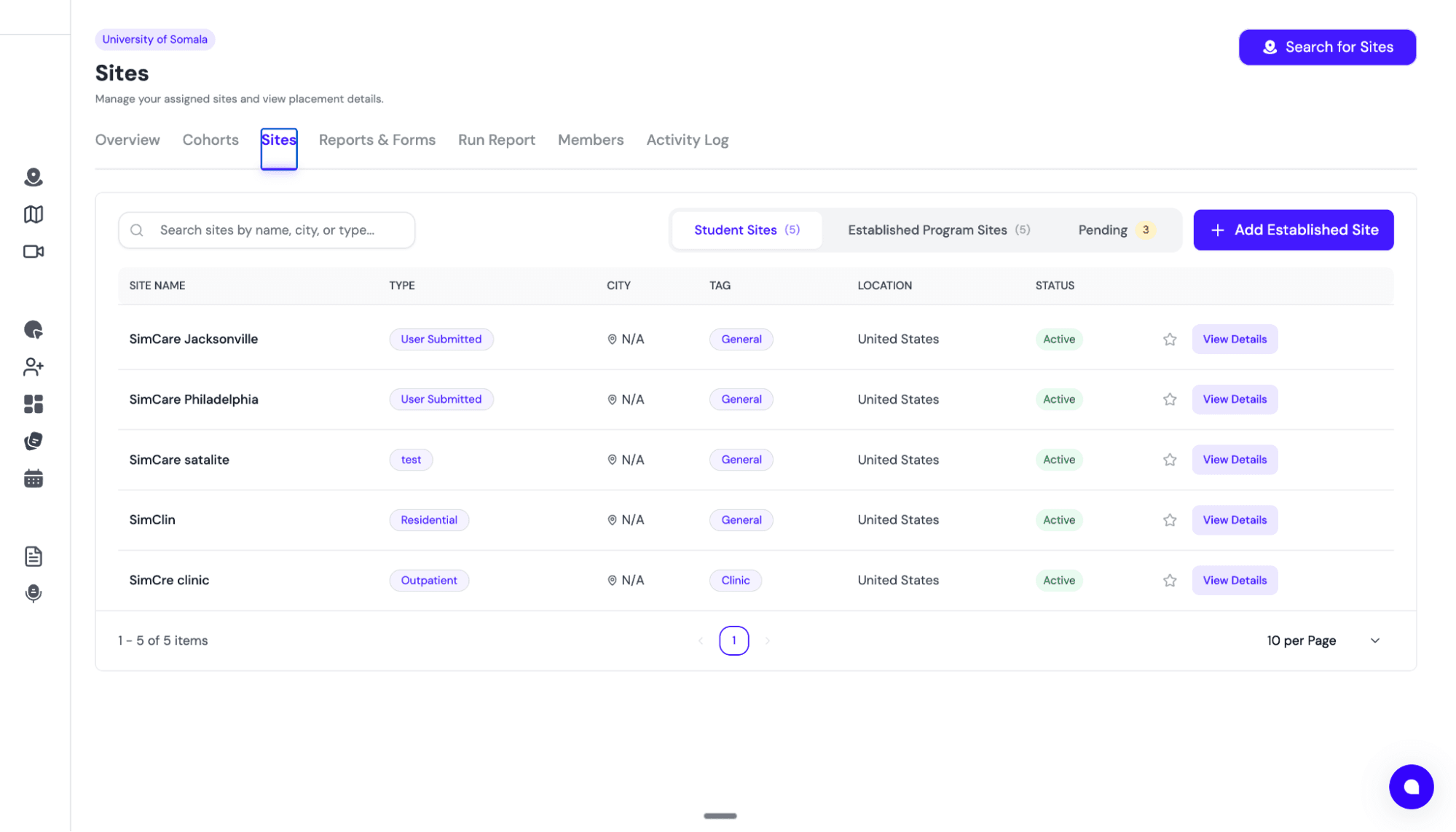
Site Management Tabs
Within the Sites tab, you will find three distinct sections:
- Student Sites:All the sites your students are currently placed at and actively logging hours.
- Established Program Sites:All of the sites that are currently established and approved for your program.
- Pending:Sites that are currently pending approval from a coordinator.
Approving New Sites
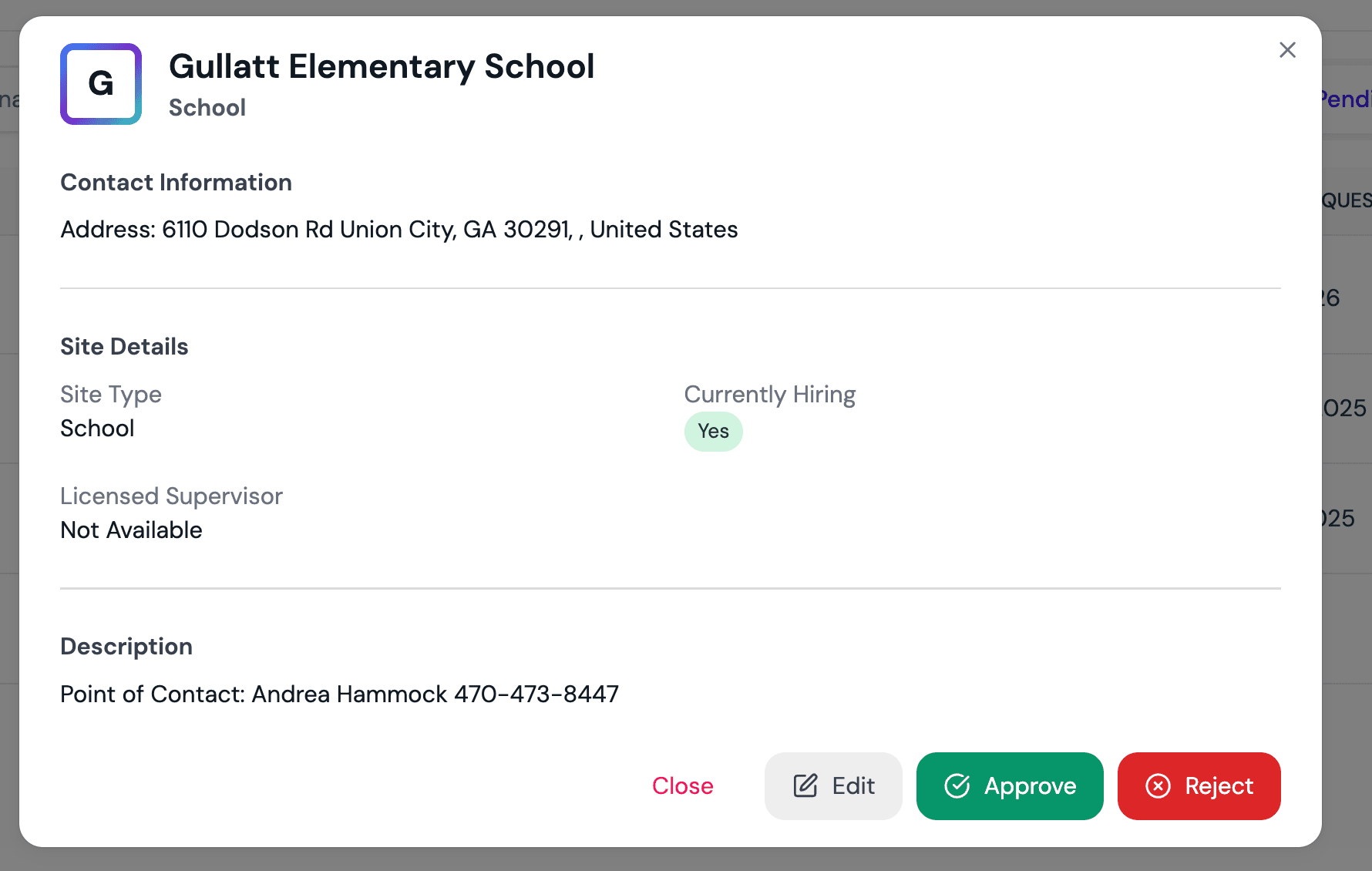
When approving a new site request, you have the flexibility to Approve, Reject, or click Edit to modify details about the site specifically for your program.
Adding Established Sites
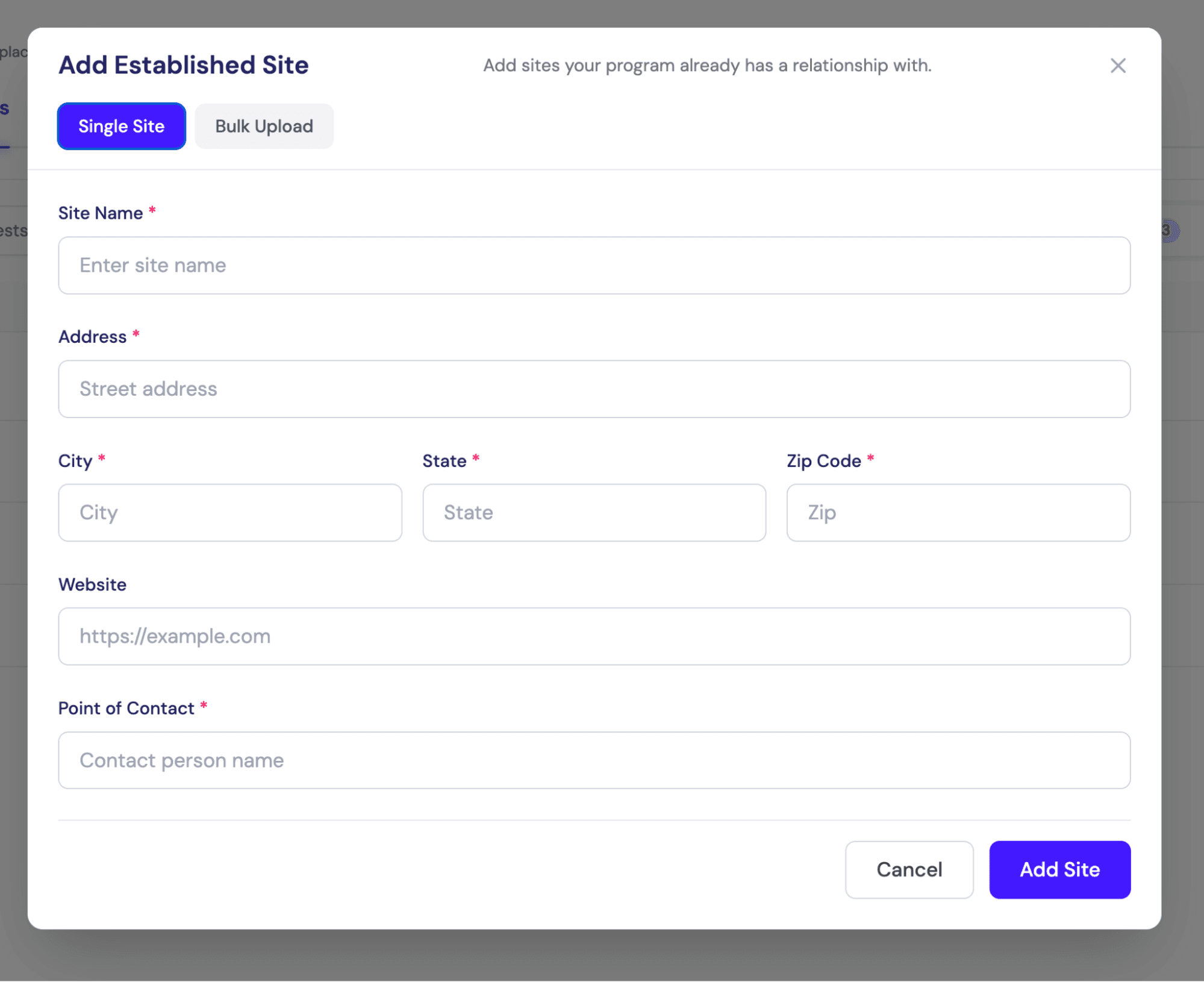
You can also proactively add established sites yourself. FieldX offers two convenient methods:
- Manual Entry: Enter site details one by one for individual additions.
- Bulk Upload: Upload multiple sites simultaneously from any file type.
💡 Pro Tip: The bulk upload tool uses AI to parse your data. As long as the information is clear, it can be in any format—no need for strict templates!
Customization & Agreements
For specific customization needs regarding the storage and maintenance of site affiliation agreements, please reach out to your point of contact.
This is a feature we fully support, but it requires a specialized one-time setup from the SimCare team to match your institution's workflow.
📚 Next Step: Create cohorts to organize students into classes or sections. See Step 3: Set Up Cohorts.